This article features the Starlink installation in Princess Anne, MD by ProSat Networks 1-844-799-0258. We are professional Starlink installers for commercial businesses, residential homes, RV parks, campgrounds, construction sites, dairy & agriculture farms, airplane hangars, mines & mining operations, long-range and multi-building indoor-outdoor wireless solutions in Maryland.
To schedule your Starlink installation, call us at 1-844-799-0258 or request a quote through our Contact Us form.
🔹Location: Princess Anne, MD
🔹Property Type: Residential home
🔹Property Size: Approximately 1,880 sqft, two-story home
🔹Roof Type: Shingle
🔹Starlink Kit: Standard Kit
🔹Mount: Pivot mount
Our Starlink installation SMEs received a service request for Starlink installation in Princess Anne, MD. To process the service request, the following tasks were performed:
An initial offsite assessment was done using satellite imagery and client-provided onsite photos to evaluate the property’s structural layout and surrounding environment. This allowed us to determine the most suitable mounting location, cable routing path, needed tools and materials and the personnel needed to complete the installation efficiently.
Following the assessment, the Starlink SMEs prepared the installation proposal for customer's approval. We received the approval and coordinated the installation schedule with our local Starlink installers.
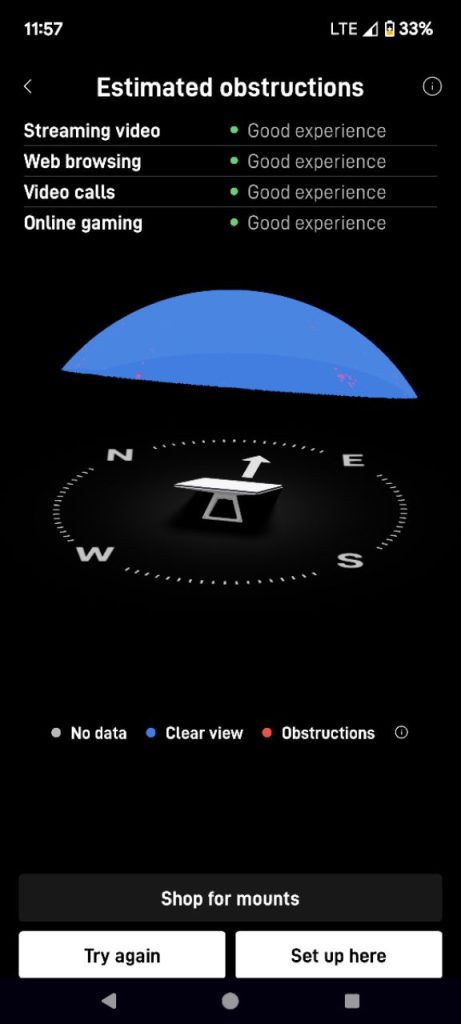
Our professional starlink installers arrived onsite and performed multiple Starlink obstructions tests to identify the best installation point for the Starlink dish. This test scans the area with any potential obstacles such as trees, buildings or other structures, that could interfere with the satellite’s signal.
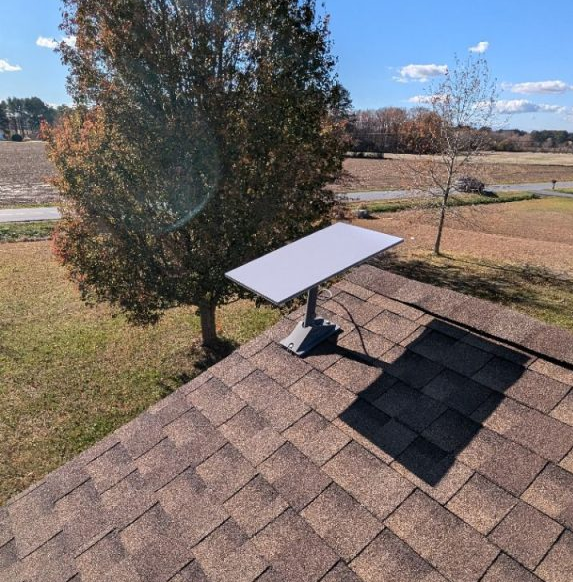
The Starlink dish was securely fastened on the asphalt shingles using a pivot mount, positioned with a clear view of the sky.
The proprietary Starlink cable was routed along the roofline to the indoor location of the Starlink WiFi mesh router. It was fastened using cable clips to prevent sagging and strain.
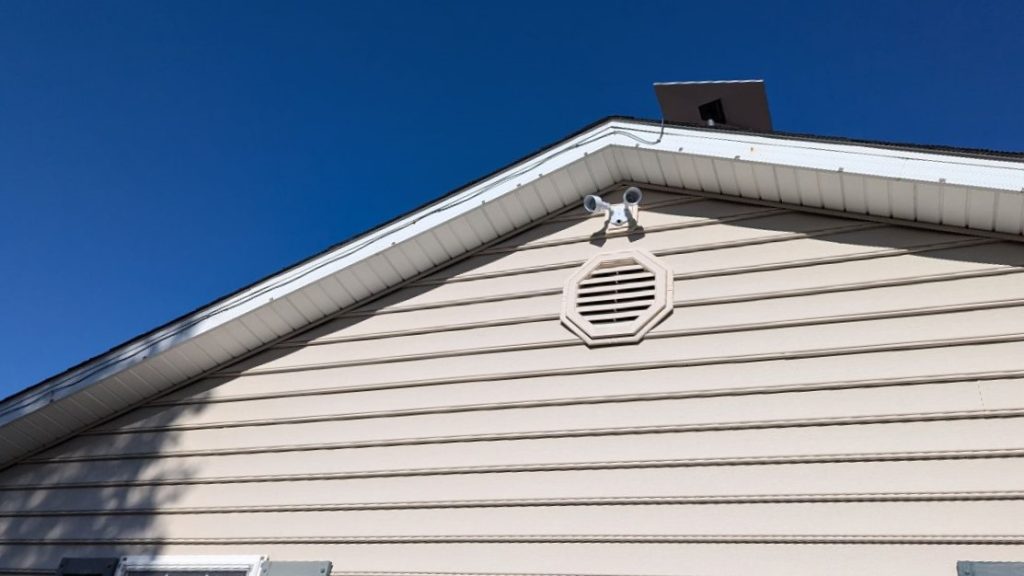
Cable is plugged into the the router and powered on. Activated the Starlink and configured the WIFI SSID and password. After completing the setup, the customer was given a walkthrough on how to use the Starlink app for basic management of the Starlink network, checking connectivity status and managing device settings.
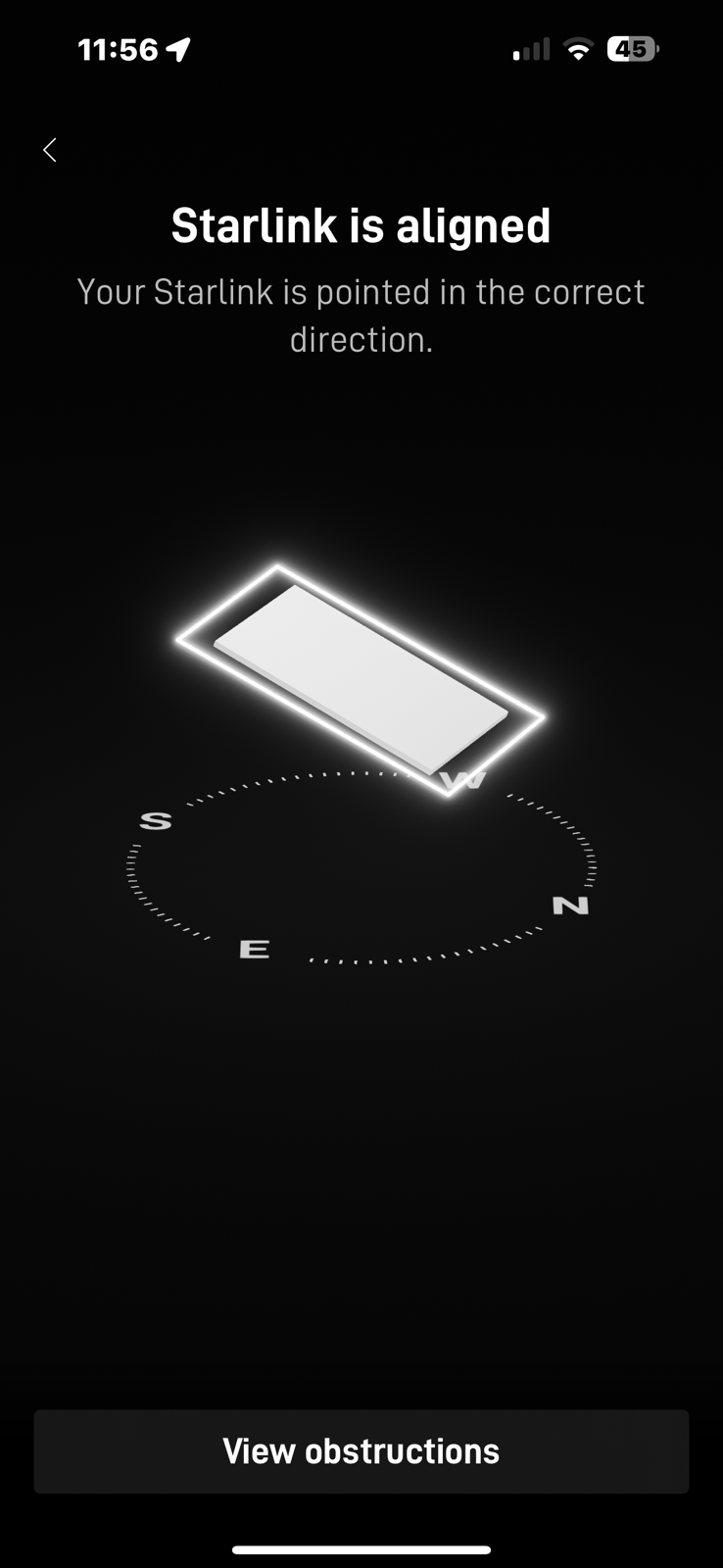
After completing the equipment installation, the team performed an alignment test to ensure the dish was properly aligned to the satellite network. It is esential for maximum signal strength and uninterrupted connectivity.
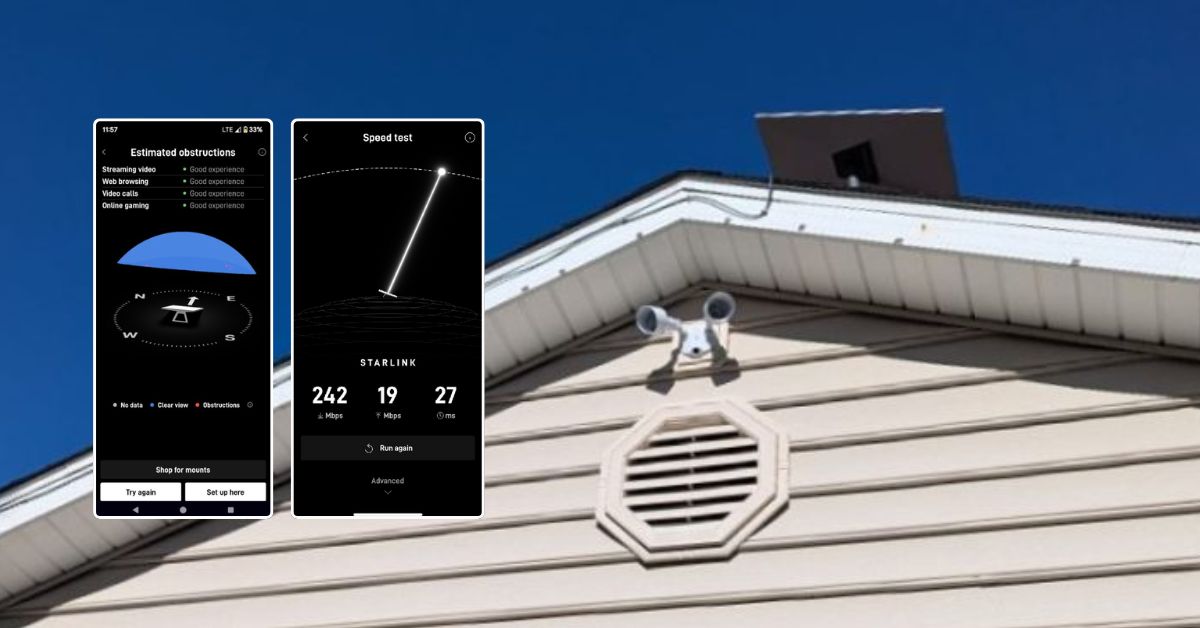
Next, the team conducted a Starlink speed test, the test measured key metrics including download speed, upload speed and latency.
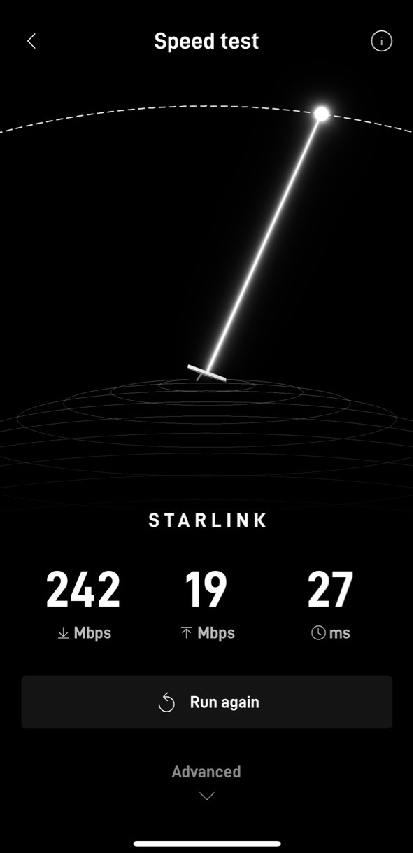
✅ Download Speed (223 Mbps):
This is a very good download speed for residential satellite internet. It is more than sufficient for streaming in 4K, online gaming, large file downloads and supporting multiple devices simultaneously.
✅ Upload Speed (19 Mbps):
This is good performance for satellite internet, making it suitable for video conferencing, cloud backups and remote work tasks.
✅ Latency (27 ms):
This is very low for satellite connectivity (traditional geostationary satellite internet averages 600–800 ms).
Call us at 1-844-799-0258 for your free consultation for Starlink installation and IT Network Service's needs!
In addition to Chattanooga, TN, we also offer Starlink business installation and IT network services to nearby towns and cities including:
DID YOU KNOW?
Princess Anne is one of the oldest towns in Maryland, founded in 1642. It is home to the University of Maryland Eastern Shore and serves as an educational and agricultural center on the Eastern Shore, where dependable internet access plays a growing role in education, research, and rural business operations.
Thank you for reading our Starlink installation articles.